How to Check Aghosh Program Payment
Do you know that thousands of mothers in Punjab still travel all the way to a BHU just to ask whether their payment has arrived? That trip isn’t needed anymore, and honestly, most women don’t even realize how much time they’ve been wasting.
The PSPA has built a complete digital system specifically so women don’t have to leave their homes for this. One phone, one CNIC, and you’re done. No queue, no token number, no asking three different staff members the same question. Let’s get straight into how it actually works, and everything around it that nobody bothers explaining properly.
Quick Answer
You can check your Aghosh Program payment online without visiting any office by logging into payment.pspa.gop.pk with your CNIC and password. The portal instantly shows whether your payment is released, pending, or rejected. No office visit, no paperwork, no waiting in line. The whole thing takes less time than making a cup of tea.
Overview Of the Program
| What You Need | Details |
|---|---|
| Portal Link | payment.pspa.gop.pk |
| Login Required | CNIC (as username) + Password |
| Time Required | Under 2 minutes |
| Office Visit Needed | None |
| Helpline (if offline) | 1221 |
| Payment Range | Up to Rs. 38,000 |
| Withdrawal Method | HBL Konnect / JazzCash agents |
| Managing Body | Punjab Social Protection Authority (PSPA) |
Why People Still Think They Need to Visit an Office
Here’s the thing. A lot of mothers in rural Punjab simply don’t know this online option exists. They assume government payments always mean standing in line somewhere, showing documents to three different people, and coming back the next day because the system is “down.”
That assumption made sense a few years ago, when most welfare schemes genuinely required physical verification at every step. It doesn’t anymore. PSPA digitized this entire process specifically to cut out that hassle, and most beneficiaries who try it once never go back to the old way.
There’s also a generational gap at play. Older relatives or in-laws sometimes insist that nothing gets done without visiting the office, and younger mothers end up following that advice without checking if it’s still true. It isn’t, at least not for this particular step.
Also Read: Ehsaas Program Registration 8171 NADRA 2026 Eligibility
Step-by-Step: Checking Your Payment From Home
No office, no LHV visit, no travel. Just follow this:
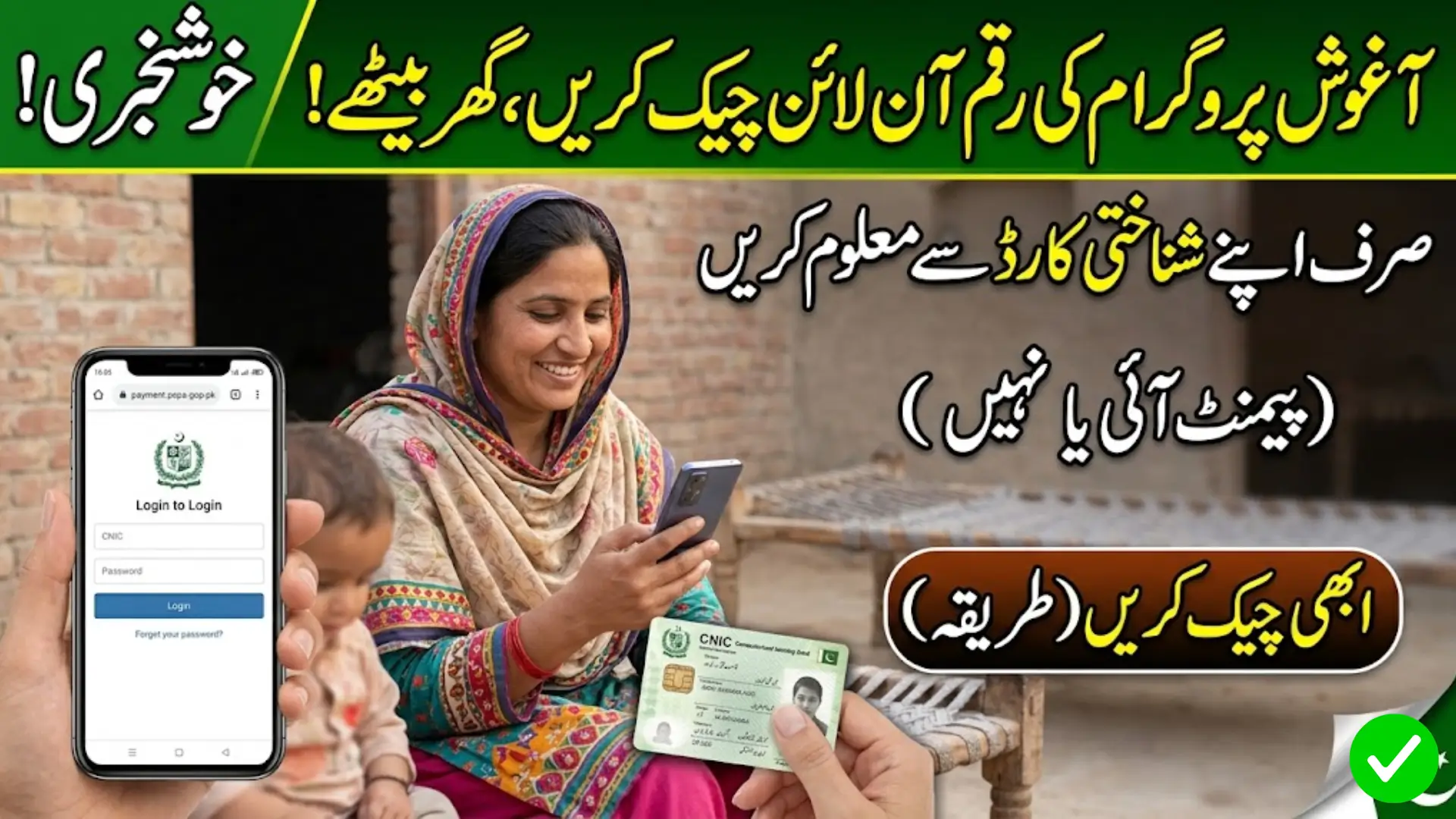
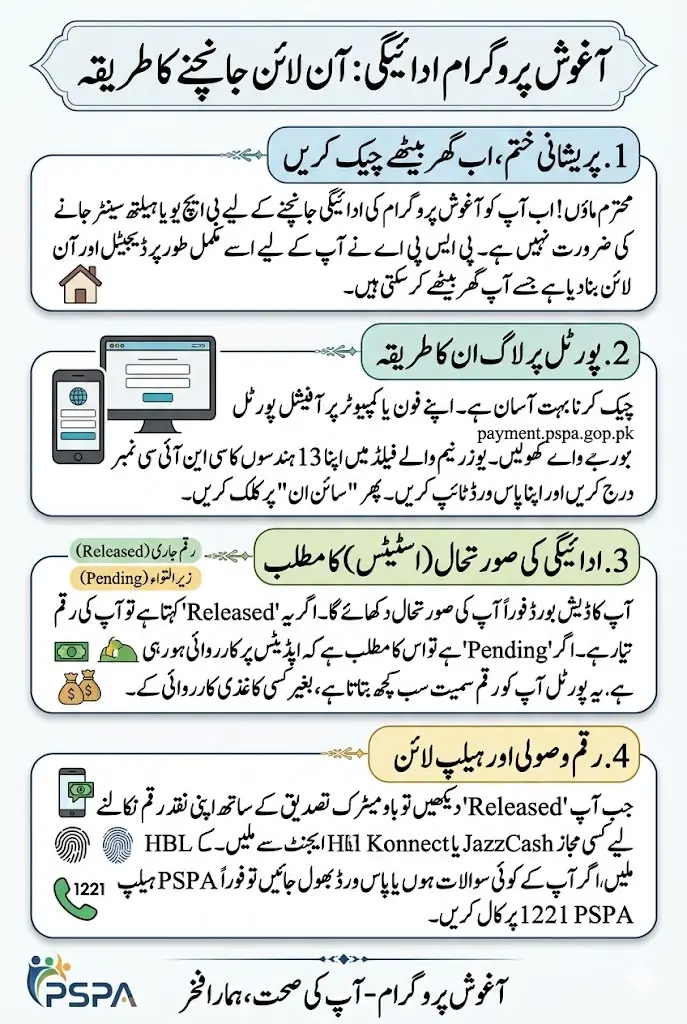
- Open your phone or computer browser and go to payment.pspa.gop.pk
- On the login screen, enter your CNIC number in the username field.
- Type in your password.
- Tap Sign In.
- Your dashboard will show your current payment stage, amount released, and any pending steps.
If your password isn’t working or you’ve forgotten it, the 1221 helpline can guide you through recovery without requiring an in-person visit either. Save that number in your phone now, it’ll save you a headache later.
What If You’re Not Registered Yet?
This is a separate track entirely, and it’s still fully online.
- Go to pep.pspa.gop.pk instead of the payment portal.
- Enter your CNIC number into the form provided.
- Solve the captcha shown on screen.
- Click Eligibility Check.
- Your result appears immediately, telling you whether you qualify.
Only after this step would you need a single visit to your nearest BHU or RHC, and that’s purely for medical registration with an LHV, not for checking payments. Think of it as the one unavoidable visit in an otherwise online process.
Comparison Between Online And Offline
Sometimes seeing it side by side makes the difference clearer.
| Task | Online Method | Offline Method |
|---|---|---|
| Check payment status | payment.pspa.gop.pk, 2 minutes | Visit BHU, ask staff, possible wait |
| Check eligibility | pep.pspa.gop.pk, instant | Visit health centre in person |
| No internet available | Not possible | Call 1221 or visit BHU |
| Withdraw cash | Not possible online | Visit retailer shop with biometrics |
Notice that withdrawal still needs a physical step, more on that below, but checking your status never does.
Also Read: MEPCO Bill Check Online June And July Month 2026
Reading Your Payment Status Correctly
Once you log in, you’ll typically see one of three results:
- Released: your payment has been credited and is ready for withdrawal.
- Pending: your health centre hasn’t finalized your latest milestone yet.
- Not Found: your CNIC or mobile number doesn’t match EMR records, usually fixable by your LHV.
Don’t panic if you see “pending.” Honestly, it’s the most common status, especially right after a checkup, since updates can take a few days to reflect on the portal. Give it 48 to 72 hours before assuming something’s wrong.
Few Things That Trip People Up Online
- Double-check you’re entering your 13-digit CNIC without dashes.
- Make sure your mobile number on file is still active, since some confirmations come via SMS.
- Avoid checking during extremely high-traffic hours if the page loads slowly, mornings tend to work better.
- Bookmark payment.pspa.gop.pk so you’re not searching for it fresh every month.
- Clear your browser cache if the page looks broken or won’t load properly, this fixes more issues than people expect.
- Use a stable internet connection rather than weak mobile data, since the login can time out otherwise.
Payment Breakdown
Your online dashboard maps directly to these milestones, totalling Rs. 38,000:
- Rs. 2,000 for registration at your health centre
- Rs. 12,000 across four antenatal visits, paid Rs. 3,000 each
- Rs. 10,000 for delivery at a government facility
- Rs. 2,000 for a newborn checkup within 15 days of birth
- Rs. 3,000 for the first measles vaccination
- Rs. 4,000 for the second measles vaccination
- Rs. 5,000 once your child’s CRC number is added to the EMR app
Each line item updates separately as you complete it, so your portal status will change gradually, not all at once. Don’t expect the full Rs. 38,000 to appear overnight, it builds up across months as you hit each milestone.
Also Read: NAVTTC Free Livestock Training Program Registration Deadline Announced – Know Complete Detail
Once Your Payment Shows “Released”
Checking online tells you the money is ready, but collecting it still needs one quick physical step:
- Visit your nearest authorized retailer shop, usually an HBL Konnect or JazzCash agent.
- Tell the retailer you want to withdraw your Aghosh payment.
- Provide your CNIC number.
- He’ll check your status and confirm the exact amount released.
- Complete a quick biometric verification, just your fingerprint.
- Walk out with your cash payment.
This last step is unavoidable, since the funds are released through biometric channels for security reasons. But notice it only happens once your online check confirms the money is actually there, so you’re never making that trip blindly.
Districts Where This Applies
The online portal works the same way everywhere, but the program itself only covers 13 districts: Muzaffargarh, Bahawalpur, Bahawalnagar, Bhakkar, Dera Ghazi Khan, Taunsa Sharif, Khushab, Kot Addu, Layyah, Lodhran, Mianwali, Rahim Yar Khan, and Rajanpur. If you’re outside these areas, the registration option won’t apply, regardless of how the online check works.
FAQs
Can I really check my Aghosh payment without going anywhere?
Yes. The entire status check happens on payment.pspa.gop.pk using your CNIC and password, no office visit required.
What do I do if the portal shows nothing for my CNIC?
This usually means a records mismatch. Contact your registered health centre’s LHV or call 1221 for help.
Is there a mobile app, or only the website?
Currently the system runs through the web portal, which is mobile-friendly and works fine on any smartphone browser.
Do I need internet access to check status?
Yes, for the online method. Without internet, you can call 1221 or visit your nearest BHU instead.
Can someone else check my payment status for me?
Technically yes if they have your CNIC and password, but it’s safer to keep your login details private and check it yourself.
Why does my status say “pending” even after my checkup?
Updates aren’t always instant. Health centres sometimes take a couple of days to log your visit into the EMR system before it reflects online.
Can I withdraw payment without visiting a retailer shop?
No. Checking status is fully online, but actual cash withdrawal still requires biometric verification at an authorized agent.
Also Read: 8171 CNIC Check Online June Qist 14,500 Full Method Explained
Conclusion
Checking your Aghosh payment online is easy. All you need is your CNIC and an internet connection, and you’ll know your status right away.
Check after every checkup or vaccination, since payments come in stages. If something looks wrong, just contact your LHV or call 1221.
The only office visit left is collecting your cash once the status shows “released.” Everything else can be done from home.